Suthra Punjab Online Bill Check 2026 – Check Sanitation Bill by PSID
Suthra Punjab Online Bill Check
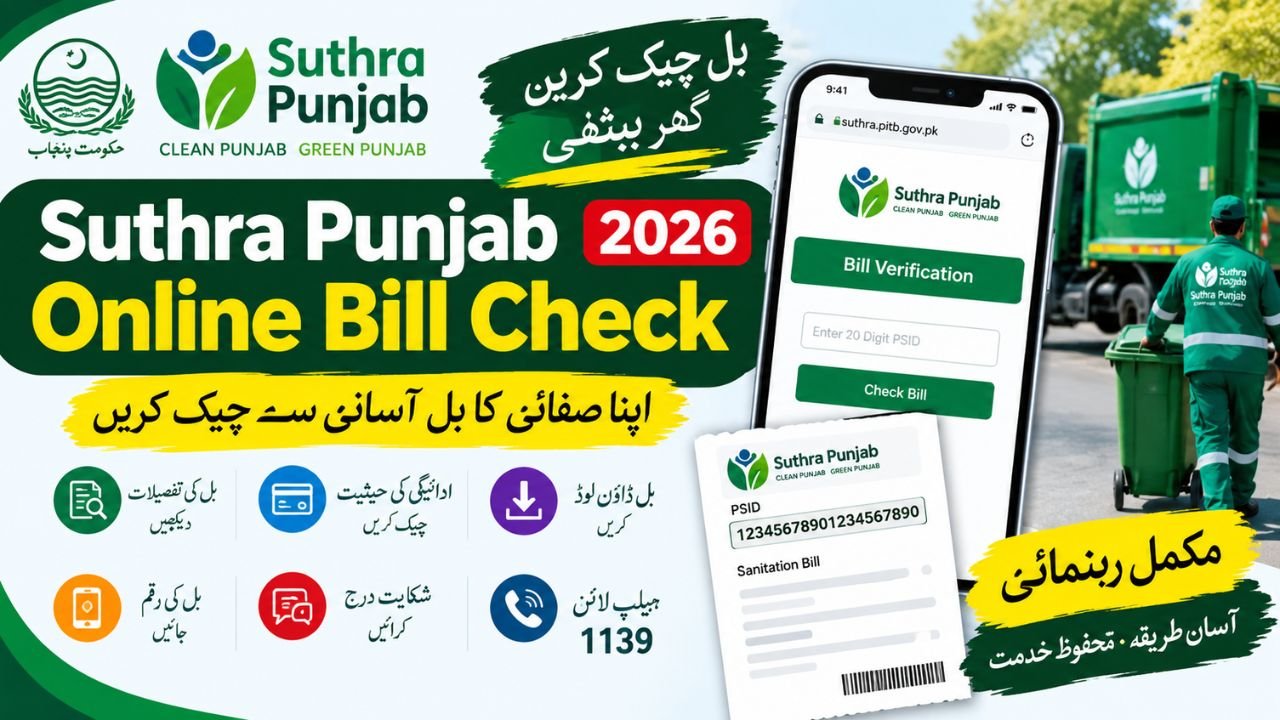
The Suthra Punjab online bill check facility helps residents verify their sanitation bills through the official Suthra Punjab website. If you have received a bill for waste collection or cleanliness services, you can use the online bill-checking facility to verify it without relying on an unofficial website. The official portal identifies a 20-digit PSID (Payment Slip ID) as the information required to check a bill online.
Suthra Punjab is the Punjab government’s cleanliness and waste-management initiative. It focuses on services such as door-to-door waste collection, street sweeping, drain cleaning and the removal of garbage from public areas. This guide explains how to check your bill in 2026, understand the available information, seek help with billing problems and find the correct official service.
Suthra Punjab Bill Check Online 2026 – Official Website
To check your current bill, visit the official Suthra Punjab website and look for the Bill Check Online option. Keep your printed sanitation bill nearby because you may need the PSID printed on it.
Suthra Punjab Official Portal
Bill verification, cleanliness complaints and public service information
The official bill-checking page is also available through the Suthra Punjab service portal.
How to Check Suthra Punjab Bill Online
Follow these steps to complete your Suthra Punjab sanitation bill check online:
- Open the official Suthra Punjab website using the link provided above.
- Find the Bill Check Online or bill verification option.
- Enter the 20-digit PSID printed on your sanitation bill when requested.
- Check the entered digits carefully before submitting the information.
- Review the bill details displayed by the official system and follow the instructions provided on the page.
If the portal does not display your bill, check whether you entered the PSID correctly. You can also contact the official helpline at 1139 for billing guidance.
Suthra Punjab Bill Online Check by CNIC – What You Need to Know
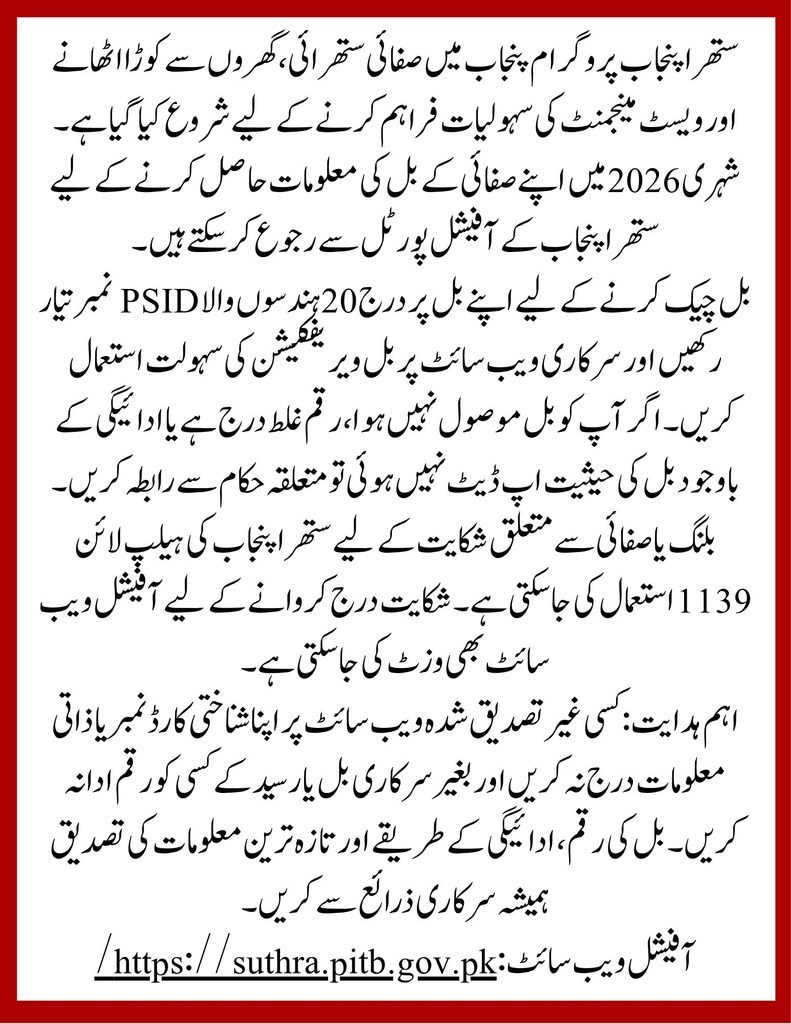
Many residents search for Suthra Punjab bill online check by CNIC because they are familiar with checking government benefits and other services using their identity card number. However, the official bill-checking instructions currently identify the 20-digit PSID, not the CNIC, as the required bill-verification reference.
If you do not have your bill or cannot find the PSID, contact Suthra Punjab through its official helpline or locate your relevant tehsil service office. Avoid entering your CNIC, phone number or other personal information on an unknown website that promises to retrieve your bill.
What Is the Suthra Punjab Sanitation Bill?
The Suthra Punjab sanitation bill relates to the programme’s sanitation and waste-management services. These services include household waste collection, street cleaning, drain desilting and cleanliness operations in public spaces.
The programme’s implementation and public information services have developed over time. In 2025, the initiative focused on expanding cleanliness operations across Punjab, while the current official online service provides a dedicated route for checking a sanitation bill using its PSID. These are different aspects of the programme, so an older description of the cleanliness campaign should not be treated as the latest billing procedure.
Suthra Punjab Monthly Bill Check and Service Charges
Residents may search for a Suthra Punjab monthly bill check to confirm whether a sanitation charge has been issued, what amount is due and whether a previous payment has been recorded. The safest approach is to review the official bill or verify its PSID through the designated service.
The amount payable should be confirmed from the actual bill or an official billing channel. Do not assume that every household or business has the same charge, and do not rely on social media posts claiming a universal monthly rate without supporting official evidence.
Suthra Punjab Bill Amount Check Online
To complete a Suthra Punjab bill amount check online, use the official verification facility and review the details returned by the system. If the amount seems incorrect, compare it with your bill and contact the department before making a payment.
In July 2026, ProPakistani reported allegations from residents in some areas that workers were collecting monthly sanitation fees without issuing official bills or receipts. The report also quoted a programme official stating that workers were not authorised to collect cash without official documentation. These were reported allegations concerning specific areas, not proof that the same issue exists everywhere.
Important note: Always ask for an official bill or receipt. Do not hand over cash to an individual claiming to collect a sanitation charge without proper documentation. If you suspect irregular collection, report the matter through the official complaint channel or helpline 1139.
Suthra Punjab Bill Payment Online – How to Proceed
People searching for Suthra Punjab bill payment online should first verify the bill and then follow the payment instructions displayed by the official system. Do not assume that every bank, mobile wallet or payment app supports this particular bill unless the official instructions confirm it.
Before paying, check the following information:
- The PSID matches the bill you received.
- The bill amount and other displayed details are correct.
- The payment method is officially supported.
- You receive and retain a payment confirmation or receipt, where provided.
Suthra Punjab Bill Payment Check Online
After making a payment, keep the receipt or transaction reference as evidence. If the bill still appears unpaid, allow the payment system the time specified in its instructions and contact official support if the status does not update.
A successful bank transaction and an updated bill status are not always displayed at exactly the same time. Avoid paying a second time until you have checked the transaction record and obtained guidance from the relevant payment provider or Suthra Punjab support.
Suthra Punjab Bill Status Check Online and Bill Verification
A Suthra Punjab bill status check online can help residents follow up on a bill or resolve uncertainty about its current status. Open the official bill verification service and use the reference requested by the portal.
The online service should be used for the information it actually displays. If it does not show a payment history, outstanding balance or another particular detail, do not assume that the information is available through that page.
For a Suthra Punjab bill verification online request, keep these details ready:
- Your latest printed sanitation bill.
- The 20-digit PSID, if available.
- Any previous payment receipt.
- A clear description of the issue if you need to contact support.
These records can help the relevant team investigate a billing query more efficiently.
Suthra Punjab Bill Download Online
Residents searching for Suthra Punjab bill download online should check whether the official portal offers a download or print option after the bill is retrieved. The availability of a downloadable PDF should not be assumed if the option is not displayed.
If you already have a printed bill, keep a clear photograph or copy for your records. Make sure the PSID remains readable, as incorrect digits can prevent successful verification.
If you have not received a bill, contact the official helpline or the relevant tehsil office to ask how billing information can be obtained for your area. Do not pay an estimated amount simply because you cannot find the original bill.
Suthra Punjab Bill Complaint Online – How to Report a Problem
If your bill contains an incorrect amount, a payment is not reflected or someone asks you to pay without providing official documentation, you can seek assistance through the programme’s public complaint channels.
The official Suthra Punjab complaint service accepts different types of complaints, including billing-related concerns. It asks users to provide details about the issue and its location so that the request can be directed to the appropriate team.
- Visit the official Suthra Punjab complaint page.
- Select the relevant complaint type, such as a bill-related complaint.
- Provide the requested details about your location and the problem.
- Enter the contact information requested by the official form.
- Review the information and submit the complaint, then retain the complaint ID for follow-up.
You can also call 1139, the official cleanliness-related helpline. If you prefer in-person assistance, use the official Suthra Punjab office locator to find a relevant tehsil office.
Suthra Punjab Online Bill Check Pakistan – Who Can Use It?
The Suthra Punjab online bill check Pakistan search is especially relevant to residents who want to verify sanitation billing through a government service rather than depend on unofficial websites. The programme covers cleanliness and waste-management activities across Punjab, although the exact services and billing arrangements should be confirmed for the relevant locality.
Whether you live in Lahore, Faisalabad, Multan, Rawalpindi or another part of Punjab, use the official portal to check the available service. If the system cannot find your bill, contact the department rather than assuming that a bill has not been issued.
Suthra Punjab Bill Check Online: Important Facts for 2026
The following table summarises the key information residents should know before checking a bill.
| Detail | Verified information |
|---|---|
| Programme | Suthra Punjab |
| Main purpose | Sanitation and waste management |
| Official online portal | suthra.pitb.gov.pk |
| Bill verification reference | 20-digit PSID |
| CNIC-based bill lookup | Not identified as the required method on the official bill-checking instructions |
| Public helpline | 1139 |
| Billing complaints | Available through the official complaint service |
| Bill amount | Confirm from your actual bill or official billing channel |
| Online payment methods | Follow the payment options confirmed by the official system |
| Latest guidance | Verify current information on the official portal |
Sources: Official Suthra Punjab website and bill verification guidance.
Frequently Asked Questions
1. How can I check my Suthra Punjab bill online in 2026?
Visit the official Suthra Punjab portal, open the bill-checking facility and enter the 20-digit PSID printed on your bill. Follow the instructions displayed by the official system.
2. Can I check my Suthra Punjab bill by CNIC?
The official bill-checking guidance specifies the PSID as the required reference. If you do not have your PSID, contact the official helpline at 1139 for assistance.
3. How can I check my Suthra Punjab monthly bill amount?
Use the official bill verification facility and review the amount shown for your bill. If the amount appears incorrect, raise a billing complaint rather than relying on an unverified rate published online.
4. How do I check whether my Suthra Punjab bill has been paid?
Keep your payment receipt or transaction reference and follow the status-checking instructions available through the official service. Contact the relevant support channel if your payment is not reflected.
5. How can I download my Suthra Punjab bill online?
Check whether the official portal provides a download or print option after bill verification. If no such option appears, contact the department for guidance.
6. What should I do if I have not received a Suthra Punjab bill?
Contact the official helpline at 1139 or locate your relevant tehsil office. Ask whether a bill has been issued for your area and how you can obtain the correct billing reference.
7. Where can I complain about incorrect sanitation charges?
Use the official Suthra Punjab complaint service and select the relevant billing complaint option. Provide accurate information and keep the complaint ID for follow-up.
Final Words
The Suthra Punjab online bill check facility provides residents with an official way to verify their sanitation bills using the PSID printed on the bill. For accurate billing information, use the government portal, retain payment receipts and contact the official helpline if you encounter a problem.
As billing rules, payment options and local arrangements may change, confirm the latest details before paying. Avoid unverified websites, unsupported claims about fixed monthly charges and requests for cash without official documentation.