
Suthra Punjab Bill Check Online by PSID 2026 – Payment, Due Date & Bill Status Guide
Suthra Punjab Bill Check Online by PSID
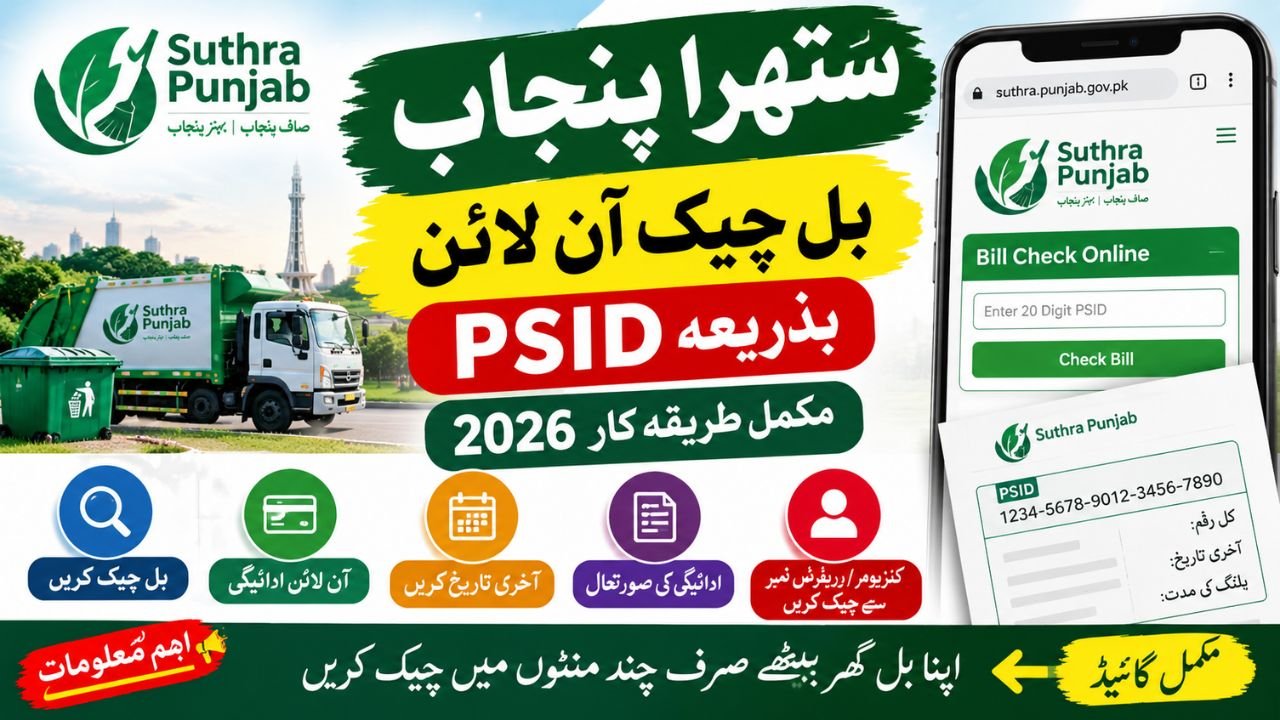
Suthra Punjab Bill Check Online by PSID is a useful option for residents who want to verify their sanitation bill without visiting an office. The official Suthra Punjab website provides a bill-checking facility where citizens can enter the 20-digit PSID printed on their bill to look up the relevant record. The program is part of Punjab’s province-wide cleanliness and waste-management initiative.
In 2026, sanitation billing is also changing. According to reports published by Dawn in September 2026, the Punjab government has approved a mechanism under which the Excise, Taxation and Narcotics Control Department will collect sanitation fees alongside property tax from the 2026–27 financial year in covered urban areas. This is an important change for residents who previously dealt with sanitation billing through Suthra Punjab channels. However, the applicable process can depend on the area and the billing period.
What Is Suthra Punjab Bill Check Online by PSID?
Suthra Punjab is a Punjab government cleanliness initiative that supports waste collection, street cleaning, and other sanitation services. Its official digital portal includes a Check Bill Online option for citizens.
PSID stands for Payment Slip ID. It is a reference number associated with a payment slip or bill. The official Suthra Punjab website instructs users to enter the 20-digit PSID printed on their current sanitation bill to check it online.
Residents should use the number shown on their own bill rather than a number copied from another person. They should also make sure they are using the official portal, particularly when entering billing information.
How to Check Suthra Punjab Bill Online in 2026
If you want to complete a Suthra Punjab bill online check in 2026, follow these steps:
- Open the official Suthra Punjab website.
- Find the Bill Check Online option on the public website.
- Keep your current sanitation bill ready and locate the 20-digit PSID.
- Enter the PSID carefully in the bill verification section.
- Submit the information and review the result displayed by the official system.
If the bill does not appear, check the number again and confirm that you are using the correct billing portal. A missing record does not automatically mean that your bill has been cancelled or that you have no payment due.
Suthra Punjab Bill Payment by PSID
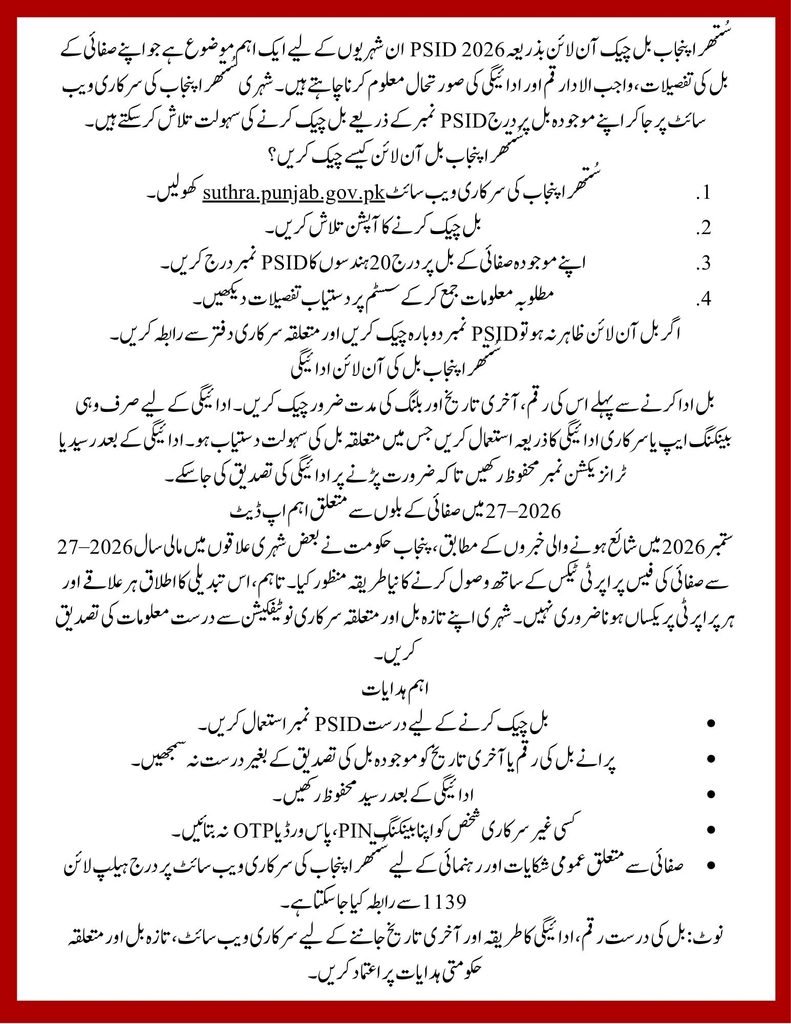
The Suthra Punjab bill payment by PSID process starts with identifying the correct bill and its payment reference. Before making a payment, check the amount, billing period, and due date printed on the bill or displayed by the official system.
Punjab’s government payment platform, ePay Punjab, explains that PSIDs are used for government receipts and that supported payments can be made through participating banking and other payment channels. However, its general payment instructions do not by themselves confirm that every channel supports every Suthra Punjab sanitation bill.
Therefore, use a payment option only when the relevant sanitation service is listed and the PSID is accepted. Do not pay a person or an unofficial website that promises to clear your bill.
How to Pay Suthra Punjab Bill Online
To pay a Suthra Punjab sanitation bill online, first verify the bill through the official channel. Then check whether your bill directs you to an approved payment platform or provides specific payment instructions.
If a supported banking app or government payment service lists the relevant sanitation bill category, follow its instructions and verify the amount before confirming the transaction. Keep the receipt or transaction reference after payment so you can use it if a payment-status issue occurs.
Do not assume that JazzCash, Easypaisa, every bank app, or every ATM supports this particular bill unless the service is explicitly available in that channel.
Suthra Punjab PSID Bill Check Online: Where to Find the Number
The Suthra Punjab PSID bill check online facility requires the reference printed on the relevant bill. Look for a field labelled PSID or Payment Slip ID and copy the digits carefully.
If you have an older bill, use it only to identify the previous reference; confirm whether it is still valid for the current payment. A previous receipt can help you trace an earlier transaction, but it should not be treated as proof that a new bill has been paid.
Suthra Punjab PSID Number Check Online
For a Suthra Punjab PSID number check online, open the official bill-checking page and enter the number shown on the bill. If the system does not recognise it, check for typing mistakes and confirm that the bill belongs to the relevant service and period.
Suthra Punjab Bill PSID Number: Important Details
A PSID identifies a payment slip, but it is not the same thing as a CNIC, consumer number, or property reference. Always use the field requested by the official portal. Do not enter personal information on unrelated websites that claim to retrieve a sanitation bill.
Suthra Punjab Sanitation Bill Check by PSID
The Suthra Punjab sanitation bill check by PSID option is intended to help citizens look up the relevant sanitation billing record. Once the official system returns a result, review the information carefully instead of relying only on a text message or an old paper bill.
If you see an unexpected amount or a billing period that does not match your records, keep a copy of the bill and contact the official support channel before making assumptions about the charge.
Suthra Punjab Bill Payment Status Check
A Suthra Punjab bill payment status check helps you determine whether the system reflects the transaction you made. After paying, save the receipt and allow the payment service time to process the transaction.
If the payment has been deducted from your account but the bill still appears unpaid, avoid paying a second time immediately. Check the transaction reference with your payment provider and seek guidance from the relevant official billing office.
Suthra Punjab Paid Bill Check Online
For a Suthra Punjab paid bill check online, use the official verification facility if it provides the current record. Keep the payment receipt as supporting evidence, because a receipt and a refreshed online bill status serve different purposes.
Suthra Punjab Unpaid Bill Check Online
A Suthra Punjab unpaid bill check online can help you identify a bill that still requires attention. First confirm that the record is current and that any recent payment has had sufficient time to appear. If the status remains unclear, contact the relevant office rather than assuming that the bill is overdue.
Suthra Punjab Bill Due Date Check
For a Suthra Punjab bill due date check, read the date printed on the current bill or shown in the official billing record. Do not rely on a due date copied from an older bill, as billing periods and collection arrangements may change.
If you cannot find a due date, ask the relevant official office to confirm it before making a late-payment decision.
Suthra Punjab Monthly Bill Check Online
A Suthra Punjab monthly bill check online can help households keep track of sanitation charges over time. Save each bill and payment receipt with its billing period so you can compare records and identify any missing payment.
For 2026–27, residents in covered urban areas should also pay attention to the revised collection arrangements involving the Excise Department. The transition does not necessarily mean that every area will follow an identical billing schedule immediately.
Suthra Punjab Waste Management Bill Check and Cleaning Bill Payment Online
People may search for a Suthra Punjab waste management bill check or Suthra Punjab cleaning bill payment online because they want to verify the charge for sanitation services. These phrases generally describe the same broad billing need, but the correct service category and payment method must be confirmed on the actual bill.
The official Suthra Punjab portal also provides a citizen support channel for cleanliness-related queries. If your concern is about a missed collection, an unclean street, or a sanitation service rather than a bill, you can use the official complaint facility or call 1139 for guidance.
Suthra Punjab Bill Check by Consumer Number or Reference Number
Some residents search for a Suthra Punjab bill check by consumer number or a Suthra Punjab bill check by reference number. These numbers should not be assumed to be interchangeable with the PSID.
If the official portal specifically requests a PSID, enter the PSID printed on your bill. If you have only a consumer number, property reference, or older receipt, contact the relevant billing office to find out which identifier is accepted for your record.
Suthra Punjab Sanitation Fee Changes in 2025 and 2026–27
The billing and collection process is an important part of the program’s development. During 2025 and earlier stages of the initiative, residents encountered sanitation services and billing arrangements administered through the relevant local or Suthra Punjab channels.
A significant update came in September 2026, when Dawn reported that the Punjab government had agreed to collect sanitation fees through the Excise, Taxation and Narcotics Control Department alongside property tax from the 2026–27 financial year in covered urban areas. The department is expected to handle activities such as surveys, billing, distribution, collection, and related corrections under the reported arrangement.
This means residents should check the instructions on their latest bill instead of assuming that the process used in 2025 will remain unchanged. The change is not proof that every property, district, housing scheme, or cantonment follows the same process.
Sanitation Fee Facts and Figures for 2026–27
The following figures were reported by Dawn on September 25, 2026, regarding the approved monthly sanitation fee schedule. They are presented as reported policy figures, not as a guarantee that every property is covered by the same billing arrangement.
| Property category | Reported monthly fee |
|---|---|
| Residential property up to 5 marla | Rs. 300 |
| Residential property above 5 to 10 marla | Rs. 500 |
| Residential property above 10 to 20 marla | Rs. 1,000 |
| Residential property above 20 to 40 marla | Rs. 2,000 |
| Small commercial unit | Rs. 500 |
| Medium commercial unit | Rs. 1,000 |
| Large commercial unit | Rs. 3,000 |
Important: Published reports differ on the monthly fee for residential properties larger than 40 marla: Dawn reported Rs. 4,000, while Business Recorder reported Rs. 5,000. Check the applicable government notification and your actual bill before relying on a figure for this category. The reported collection arrangement also excludes certain areas, including cantonments, Defence Housing Authority areas, and private housing schemes, which may have their own systems.
Common Problems When Checking a Suthra Punjab Bill
If your bill does not appear online, first verify that you have entered the correct PSID and opened the appropriate official website. If the reference is correct but no record appears, the bill may need to be checked by the relevant billing office.
If a payment is not reflected, keep your transaction receipt and contact the payment provider or official support channel. If the amount or property details seem incorrect, request a review and keep a copy of the bill for reference.
For general cleanliness-related assistance, the official Suthra Punjab website lists helpline 1139. For a billing dispute, explain that your query concerns the sanitation bill, its reference number, payment status, or property details so it can be directed to the appropriate channel.
Important Note for Residents
Use the official Suthra Punjab website and the payment instructions printed on your current bill. Never share your banking PIN, password, or one-time verification code with anyone claiming to check or clear a sanitation bill. Do not treat a third-party article, old receipt, or unverified social media post as confirmation of your current bill amount or payment status.
Because sanitation billing arrangements are changing for 2026–27, confirm the applicable amount, due date, and payment channel through an official source before paying.